Fast selling
Scan a barcode or search by name. Sell by the piece, by weight, or at a price typed at the counter. Hold a bill and come back to it.
Point-of-sale software
Nexisys POS puts selling, stock, suppliers, customer credit, cash flow and profit in one simple system, for grocery stores, pharmacies, restaurants and shops.
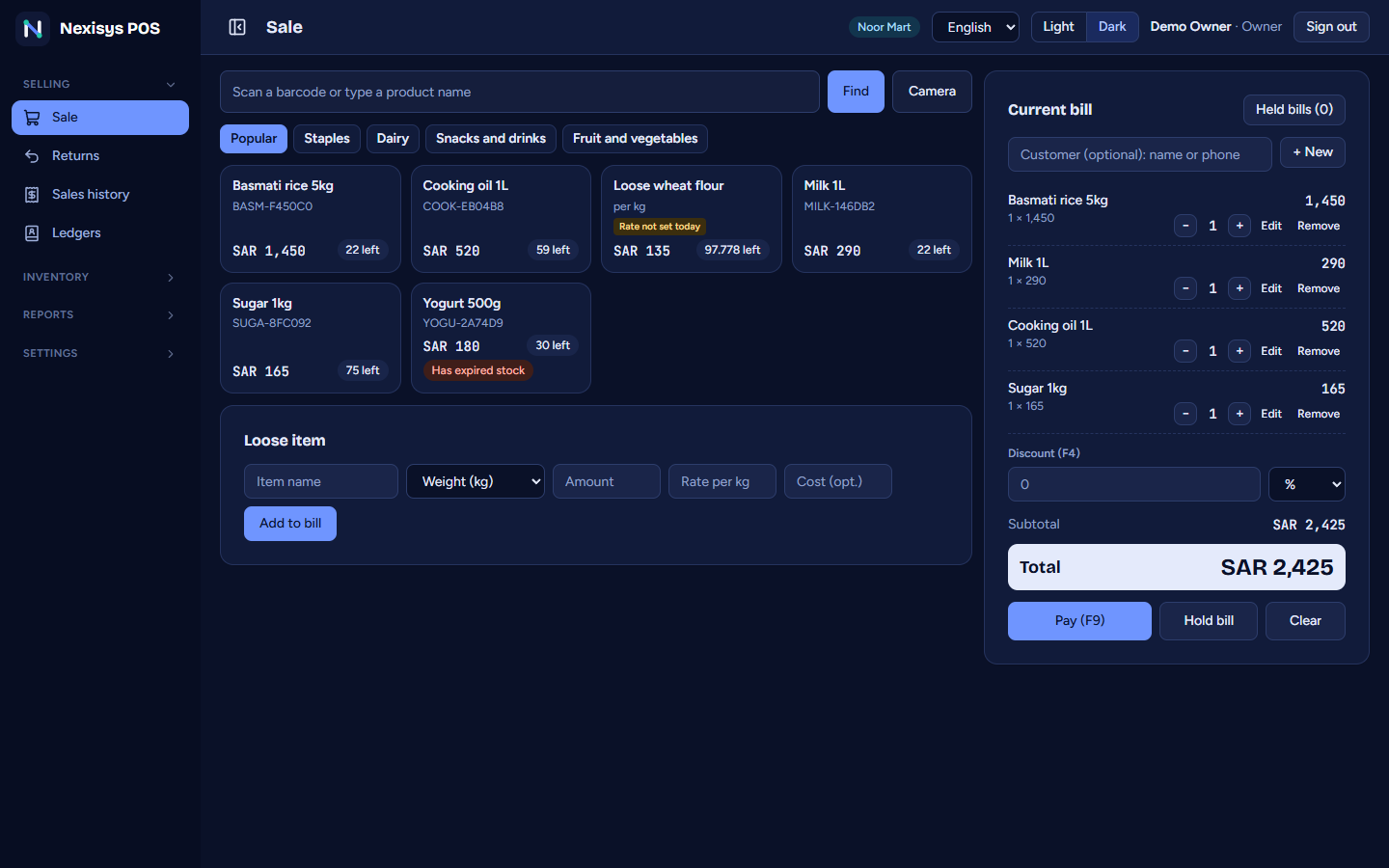
It handles the till, the shelf, the storeroom and the ledger.
What it does
Scan a barcode or search by name. Sell by the piece, by weight, or at a price typed at the counter. Hold a bill and come back to it.
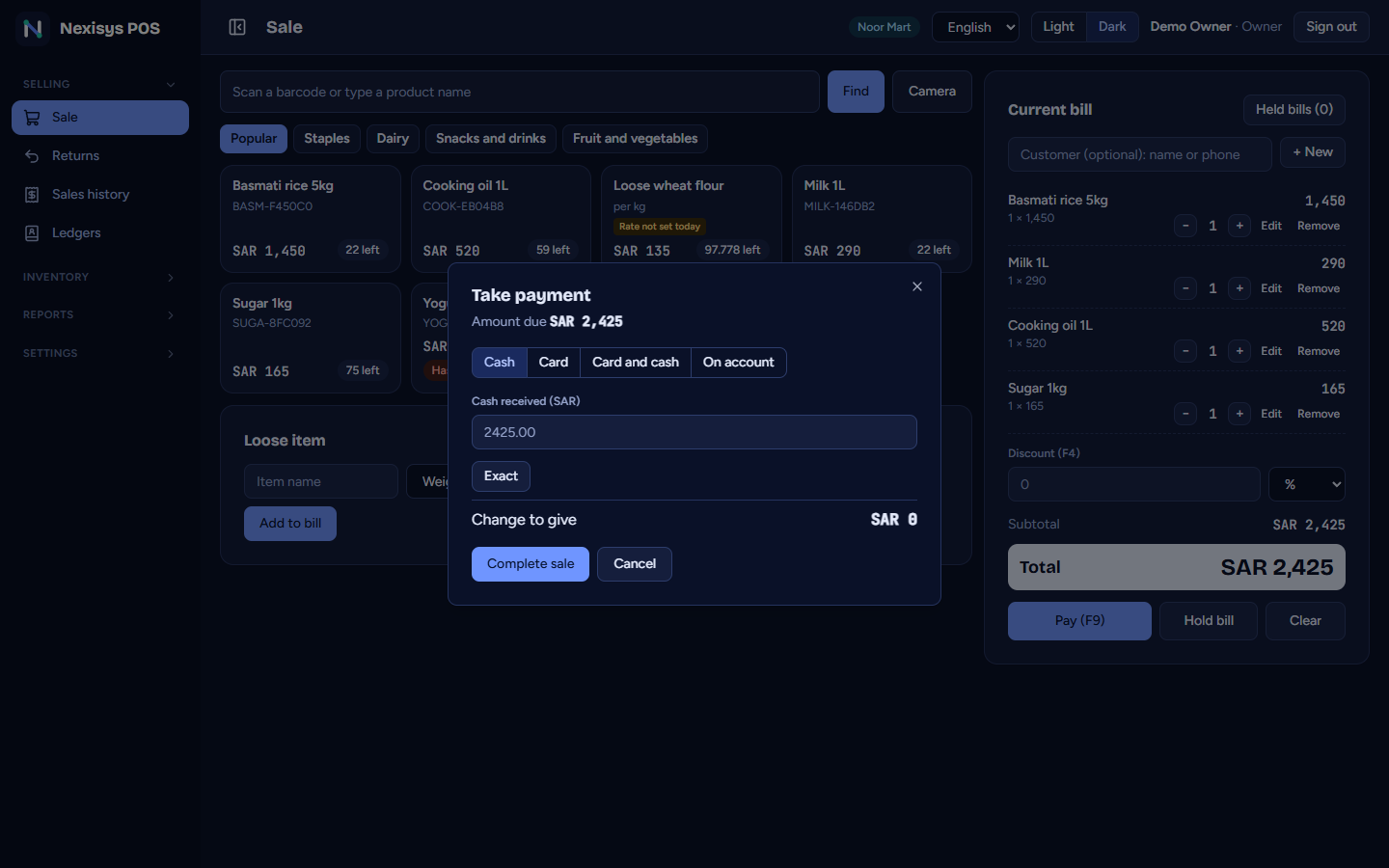
Cash, card on the terminal, online wallets, or on the customer's account, with the change worked out for you.
A customer can take goods with no payment, or pay part and leave the rest on their ledger. Credit limits, statements, and every later payment recorded.
See the money that really came in and went out, in cash and in the bank. Add by hand what moved without a sale: the owner's money, a loan, other income.
Track stock, batches and expiry dates. The oldest sells first and expired stock is never sold.
For vegetables, grain and anything whose price moves: set the day's prices on one screen, with a record of every change.
A statement for every customer and supplier, with the balance after each line. Know who owes you and whom you owe.
Receive stock against the supplier's bill and take items back with a clear reason. Stock updates itself.
Sales, cost, expenses and net profit, by day, month, item and category. Closing the day checks the cash in the drawer.
Import your list from Excel, or scan a barcode and let the system draft the name, brand and size. Print barcode labels.
Each person gets a role: the cashier sells, the manager sees reports, the owner sees everything.
Backups you can download and keep off the computer, an audit log of every sensitive action, and old entries are never edited: a correction is a new line.
Real screens
The Sale screen is big and quick. Reports, cash flow, stock and customer accounts sit a click away for the owner.
Made for your kind of shop
We begin with a template that fits your business, so categories, fields and units are ready. Then you change anything you like.
When the internet goes
Install it on the shop computer. It has its own database, so it sells, prints and closes the day for days without a connection, and your data stays on your computer.
Your language, your money
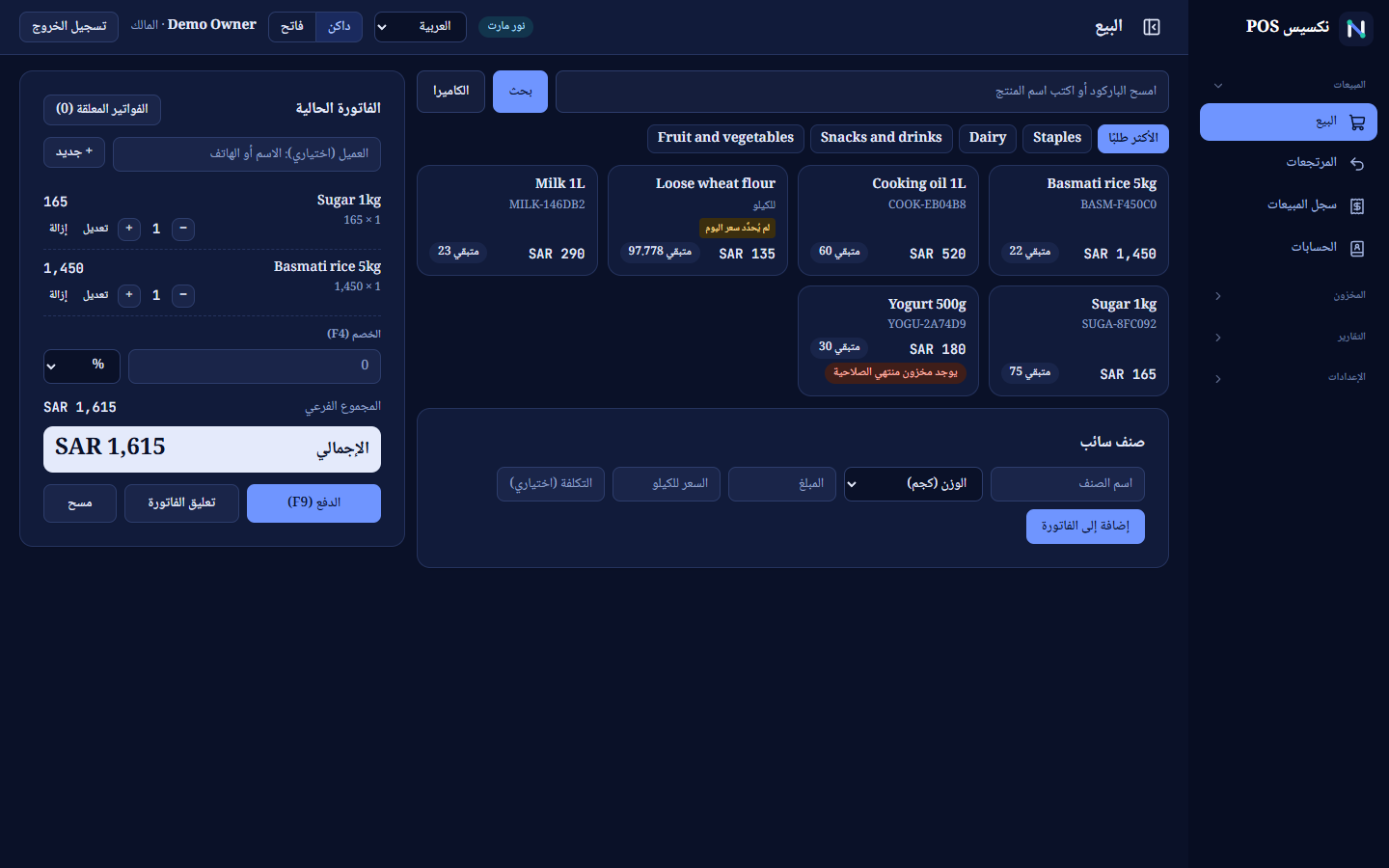
Every screen turns right to left. Each person picks their own language, and each business counts in its own currency: riyal or rupee.
Receipts and barcode labels print in English letters, which suits most printers.
How it starts
About Nexisys
Nexisys builds point-of-sale software for small and medium shops. We started at the counter: what a cashier needs in a rush, and what an owner needs at the end of the day. Then we built the rest around them.
Questions
Yes. The Windows app keeps working for days with no connection and keeps its data on the shop computer. The cloud version needs a connection.
The Windows app on the shop computer, and the cloud version in any modern browser on a computer, tablet or phone.
Receipt printers that understand ESC/POS (Epson, Xprinter, Rongta and most 58 mm and 80 mm models), over USB or the network. Barcode labels print from the computer or are saved for Zebra and TSC printers.
Yes. Import your list from Excel or CSV, or scan a product's barcode and the system drafts its name, brand and size when the open product database knows it. You check it before saving.
Tax is set per item, prices include it, and the receipt shows it. It does not produce government e-invoices today, so ask us about what your country requires.
Yes. Each customer has a credit limit. They can buy with no payment or pay part, the rest goes on their account, every later payment is recorded, and there is a statement to print.
English, Urdu and Arabic, and each person picks their own. Each business counts in its own currency: riyal or rupee.
Each business has its own database, backups you can download, rights for every role, and an audit log of sensitive actions.